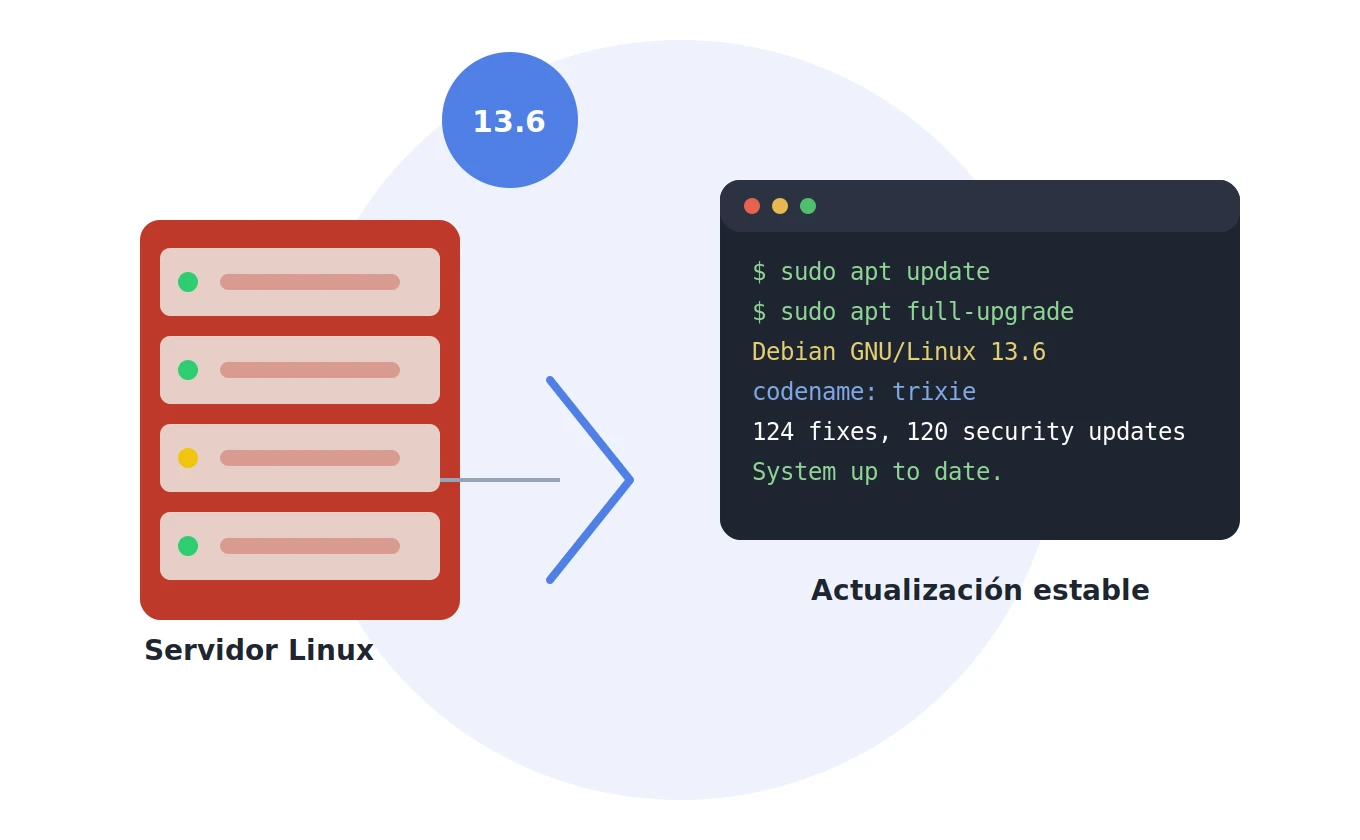
The Debian project has officially released version 13.6 of its stable branch, codenamed Trixie. This is the sixth maintenance update since Debian 13 was first released in August 2025, arriving just two months after 13.5, in line with the project's usual release cadence.
Whether you run Debian on a laptop, a desktop, or a server, this guide covers exactly what this revision contains, what Trixie brought as a foundation, and how to upgrade without surprises.
Debian's release model: major versions and "point releases"
One of Debian's defining traits compared to other distributions is that it doesn't force you to switch versions every few months. The major version — Debian 13 in this case — receives cumulative security and bug-fix updates through security.debian.org, and once enough relevant patches have accumulated, the project publishes a point release, such as this 13.6.
It's worth being clear that 13.6 is not a new version of Debian, but rather an updated snapshot of 13 with all the patches already integrated. Anyone who keeps their system current with regular apt update runs will barely notice a difference; the main benefit is for fresh installs, since the new ISO images avoid a flood of updates right after installation.
According to the official Debian announcement, 13.6 includes 124 bug fixes and 120 security updates, with the full list of changed packages available in the official repository ChangeLog. The same day also saw the release of Debian 12.15 "Bookworm" for those who haven't yet moved to Trixie.
What Debian 13 "Trixie" brought as a foundation
While the focus of this news is the 13.6 point release, it's worth revisiting the underlying changes Trixie introduced, which remain the backbone of the system:
- Linux kernel 6.12 LTS: a significant jump from the 6.1 kernel shipped with Debian 12, with better support for modern hardware (recent Intel and AMD processors, integrated graphics, Apple Silicon chips). You can check the kernel's release history at kernel.org.
- Official riscv64 support: the first time Debian certifies the 64-bit RISC-V architecture as official, joining the other six supported architectures.
- 64-bit
time_tABI on all architectures except i386, pre-emptively solving the well-known "Year 2038 problem". - KDE Plasma 6 as the default desktop on KDE images, a major leap from Plasma 5, built on Qt 6 and KDE Frameworks 6.
- Over 44,000 updated packages and 14,100 new packages, bringing the total to nearly 70,000 packages available in the official Debian repository.
- Continued progress on reproducible builds, part of the Reproducible Builds project, allowing verification that the same source code always produces identical binaries.
- The end of support for i386 as an independent architecture: there's no longer a dedicated installer or kernel for i386, which is now only used as 32-bit compatibility on top of amd64.
You can find the full details in the Trixie Release Notes, a document Debian keeps updated with every point release.
How to upgrade to Debian 13.6
If your system is already running Debian 13, there's no need to reinstall anything: the update is applied by downloading packages from any official Debian mirror.
Standard update, which covers the vast majority of cases:
sudo apt update
sudo apt upgrade
If you also want to allow packages to be installed or removed due to dependency changes (for example, if a library is renamed between revisions), use:
sudo apt full-upgradeor its classic equivalent:
sudo apt dist-upgrade
Checking whether a service needs to be restarted
After updating system packages — especially shared libraries like glibc or openssl — it's common for some services to keep using outdated versions of those libraries in memory until they're restarted. To detect this automatically, Debian offers the needrestart tool, available in the official repository:
sudo apt install needrestart
sudo needrestart
The tool scans running processes, the active kernel, and processor microcode, and tells you exactly which services should be restarted (or whether a full system reboot is needed due to a kernel change).
Checking the installed version
To confirm exactly which revision you're on after updating:
cat /etc/debian_versionIf you're still on Debian 12 "Bookworm"
Debian only officially documents upgrading from the immediately preceding version. That means to reach Trixie you first need to be on the latest revision of Debian 12 "Bookworm", and then follow the upgrade procedure described in the Release Notes. Jumping directly from Debian 11 "Bullseye" or earlier versions is not recommended.
Official resources to keep track of every change
For anyone who wants to dig deeper or stay current with each new point release, these are the resources worth keeping handy:
- Official Debian 13.6 announcement
- Trixie Release Notes
- Debian security page and DSA advisories
- Debian Security Tracker
- Package ChangeLog for the 13.6 revision
- Debian package search
Conclusion
Debian 13.6 doesn't change the rules of the game: it's still the same stable, solid, predictable Trixie we know, with nearly 250 accumulated security and bug fixes added on top. If you keep your systems updated regularly, the process is as simple as an apt update && apt full-upgrade; if you're starting from an old or neglected install, this is a good excuse to catch up and double-check that your backups and security configuration are still in order.
Need help planning your upgrade or auditing the security of your Linux systems? Get in touch.
Sign IN
Comments: (0)
There are no comments yet.